Need to check the status of a request you've already sent, resend it to a candidate, or find an expired request? Here's how.
1. Access your Trustii account via this URL: app.trustii.co.
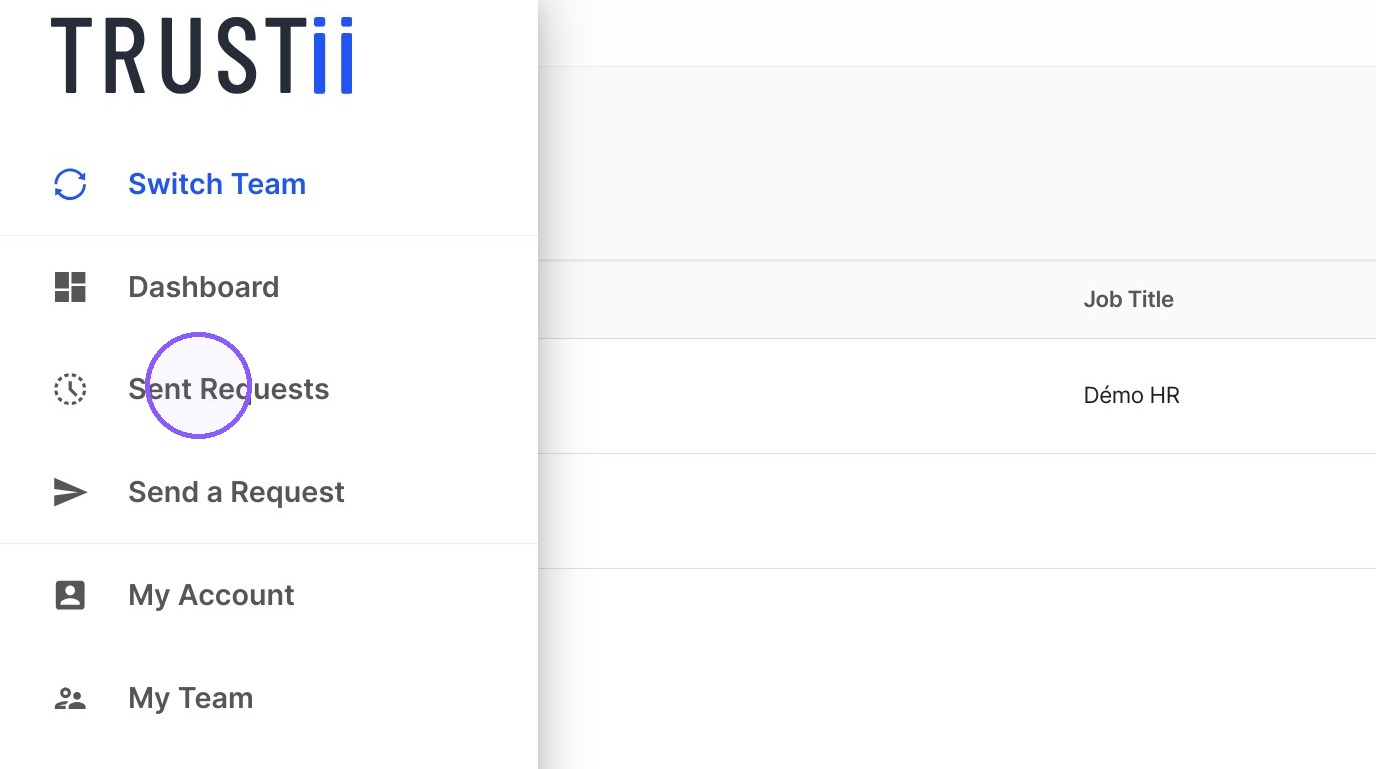
2. From the side menu, click Sent Requests.
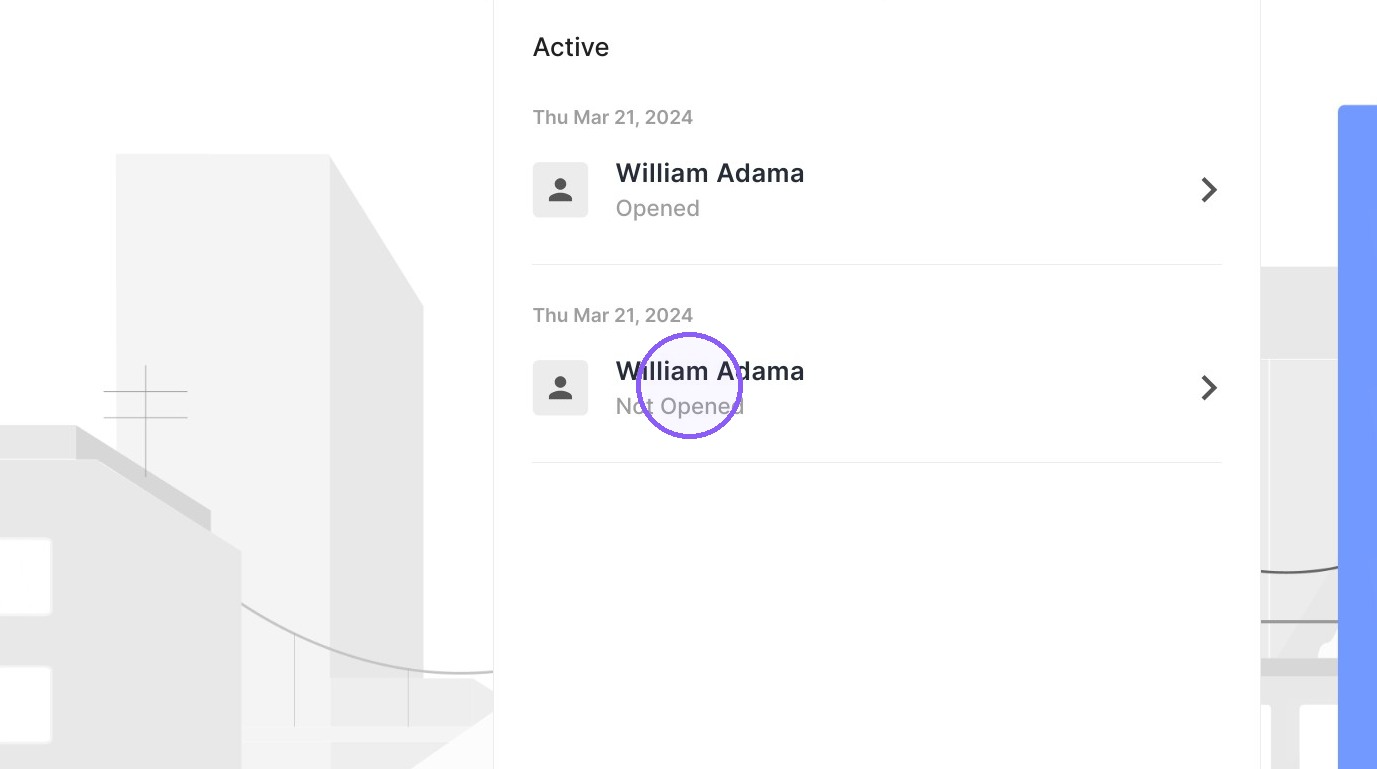
3. Click on a request to expand it and see full details and available actions.
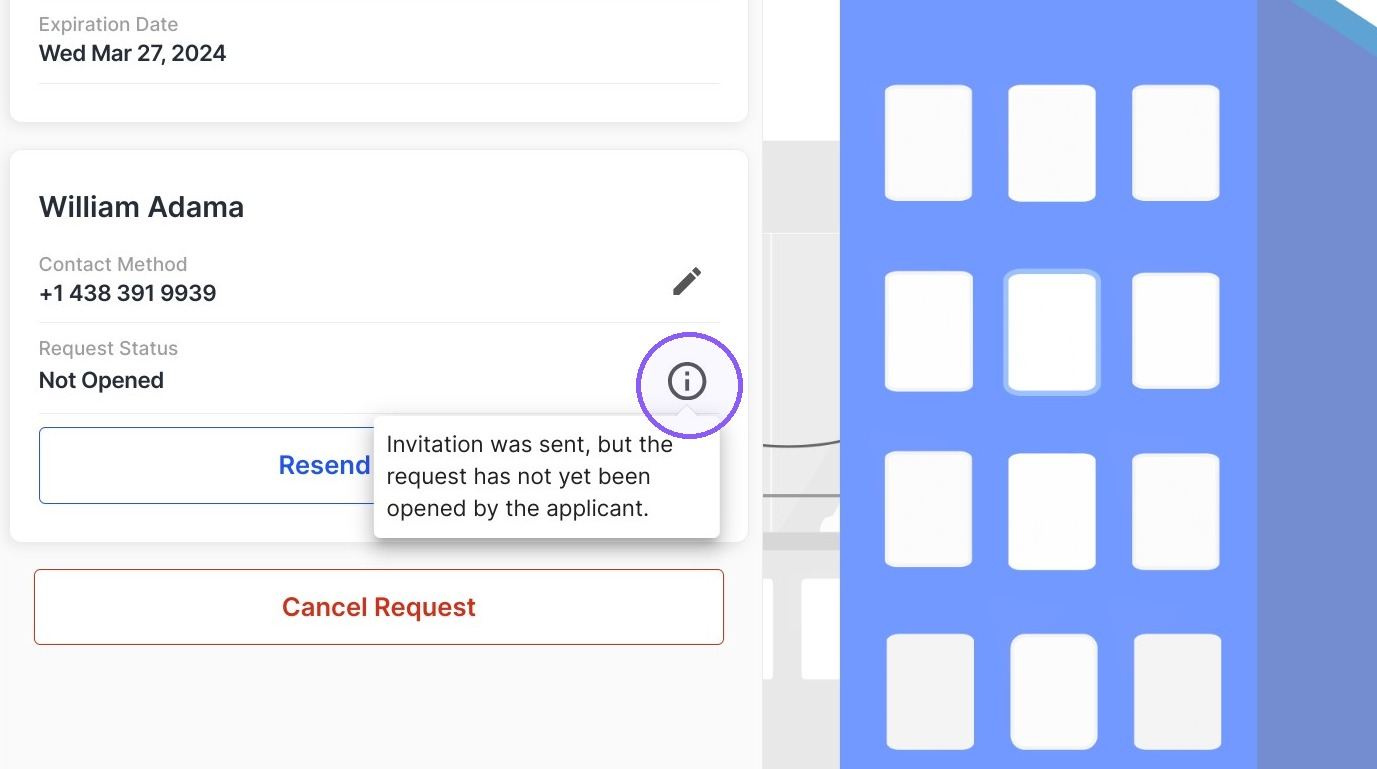
4. Click the information icon for more details on the status.
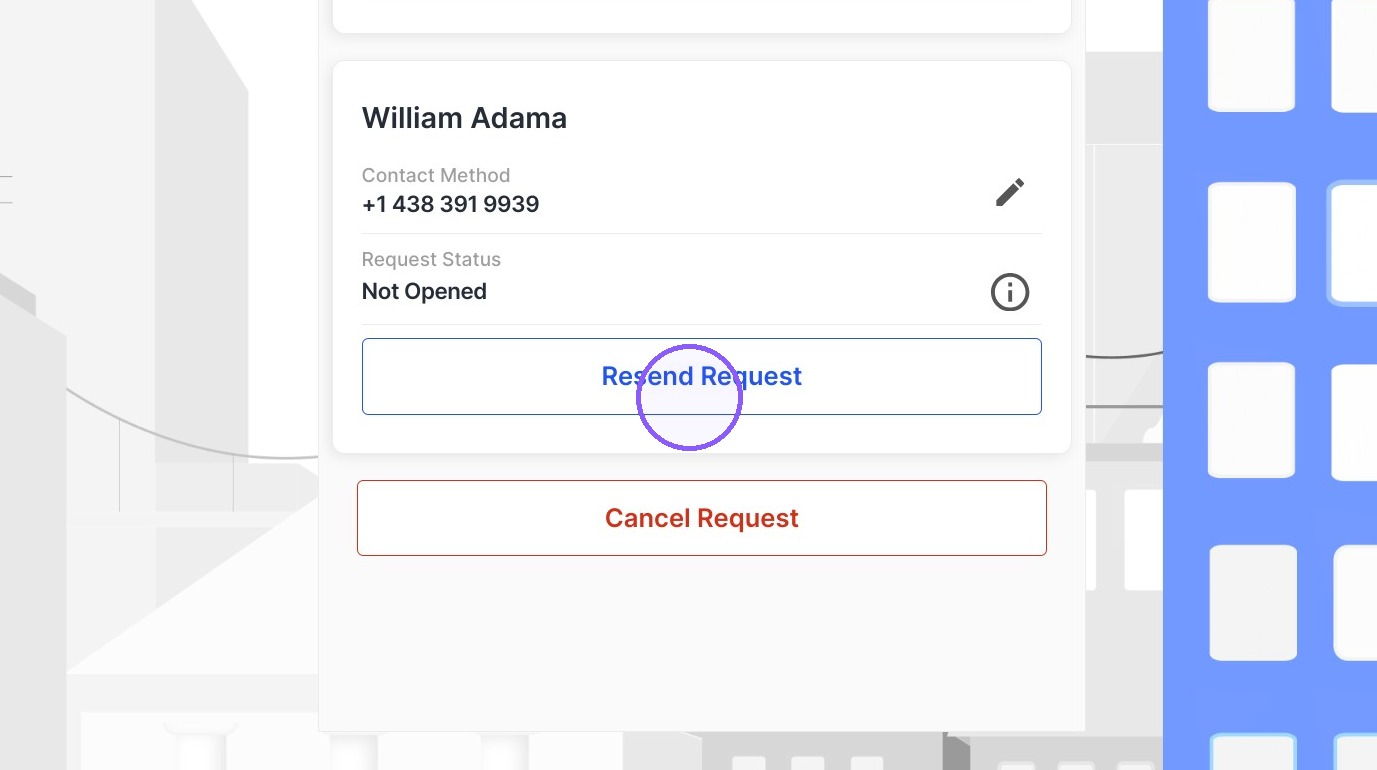
5. If needed, click Resend Request to send a new notification to the candidate.
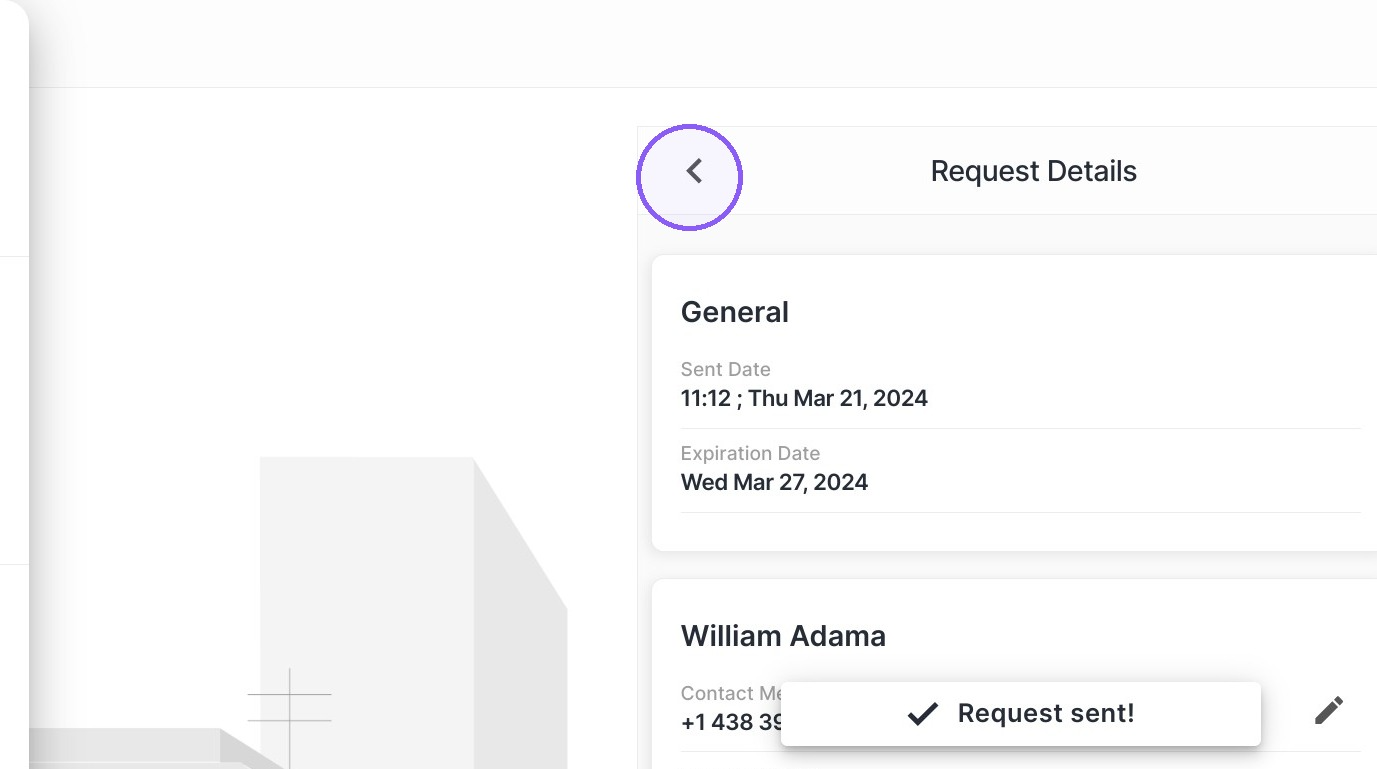
6. Click the back icon to go back to the Sent Requests page.
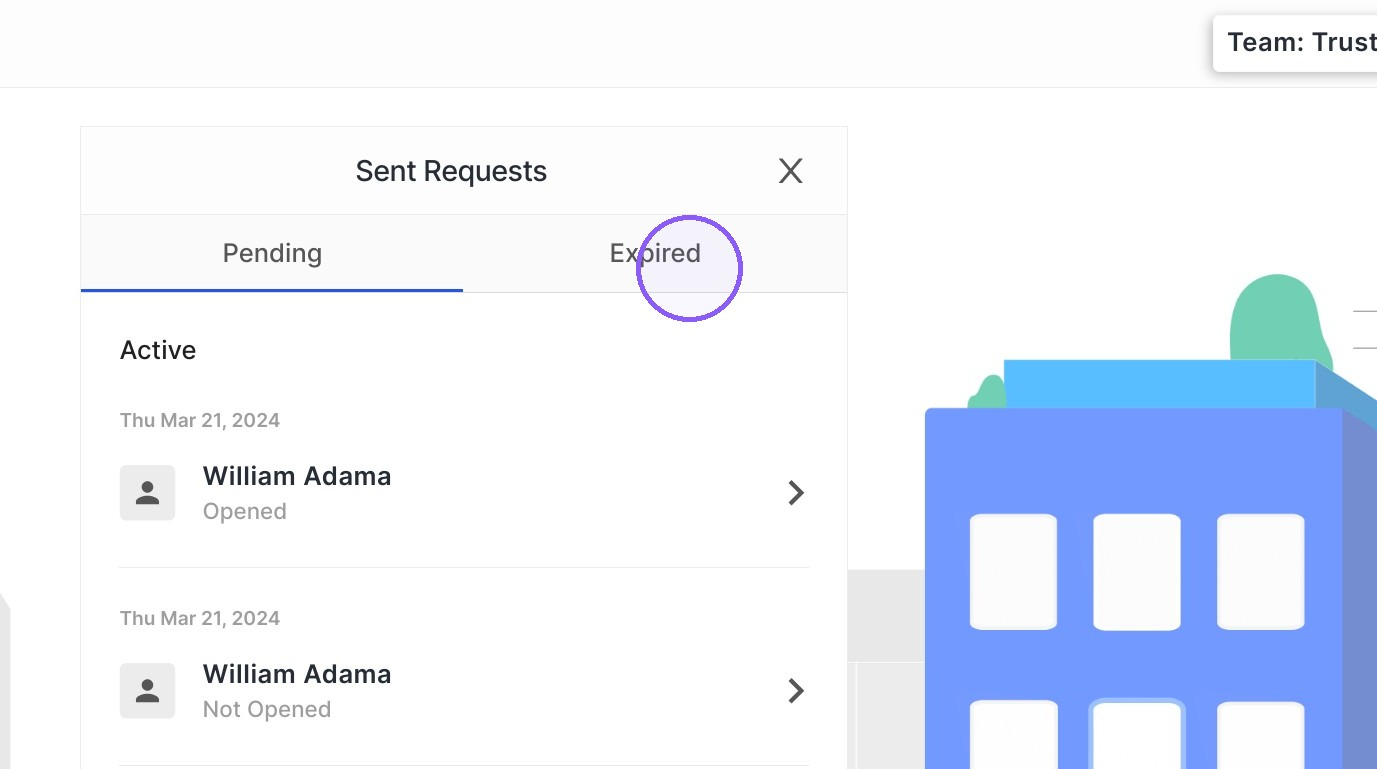
7. Click here to view expired requests. By opening an expired request, you'll be able to send a new request to that candidate.
Was this article helpful?
That’s Great!
Thank you for your feedback
Sorry! We couldn't be helpful
Thank you for your feedback
Feedback sent
We appreciate your effort and will try to fix the article