Need to remove the banking analysis from a request you've already sent? Here's how.
1. Access your Trustii account via app.trustii.co.
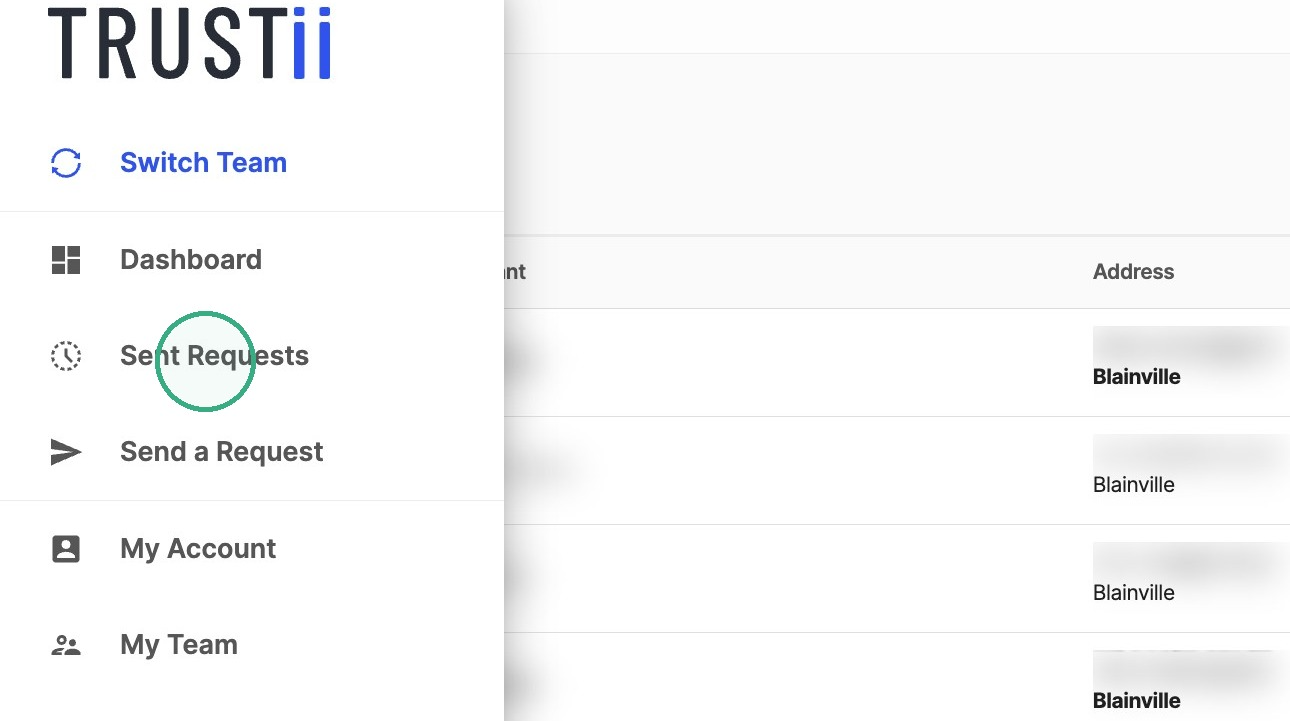
2. Move your cursor to the left-hand side of the screen to open the menu, then click Sent Requests.
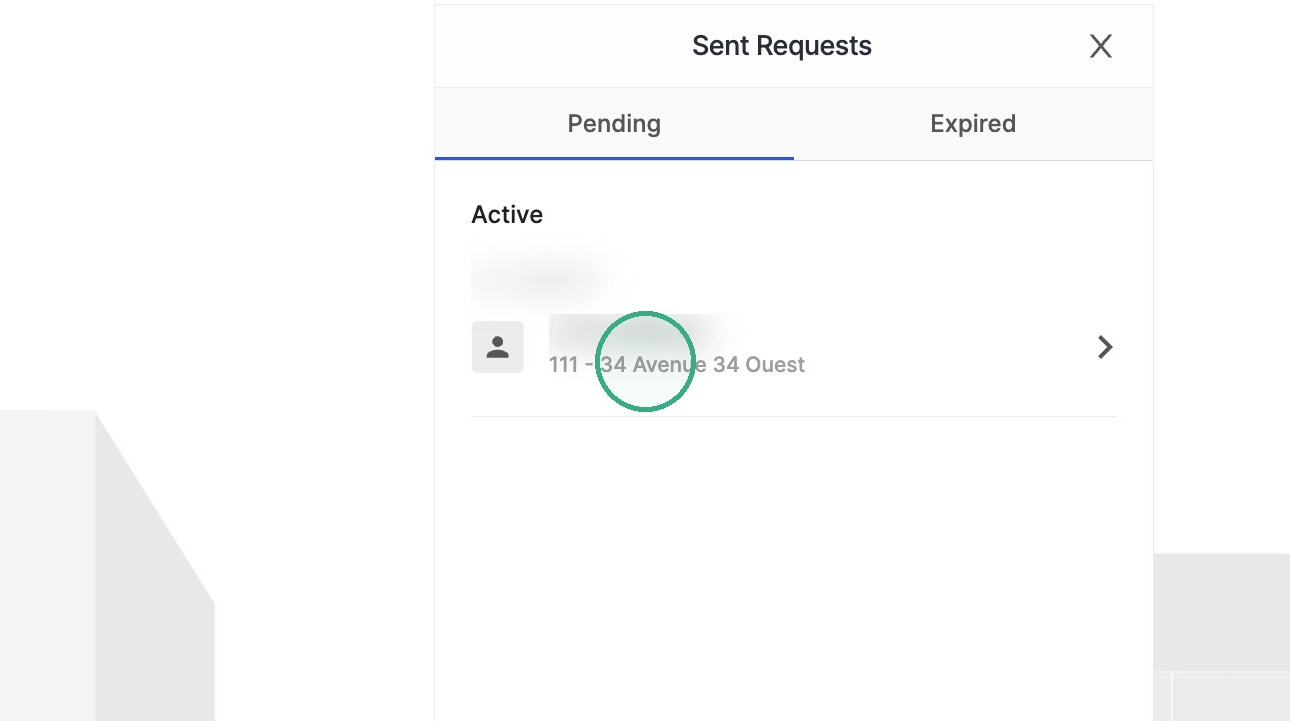
3. In the Pending tab, select the request you want to remove the banking analysis from.
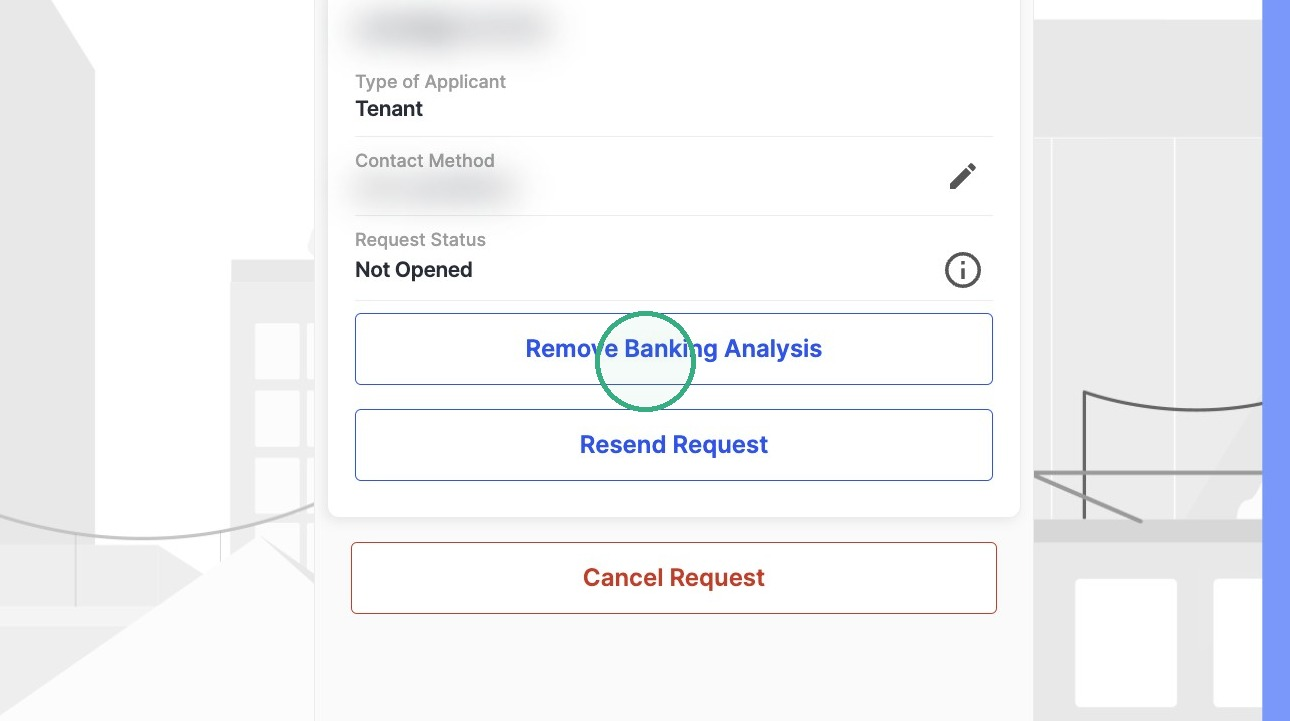
4. Click Remove Banking Analysis.
5. Click Confirm to acknowledge that you will not receive the information related to the banking analysis.
Note: If the banking analysis is removed after verification has started, the candidate will be brought back to the first step of the form. Their previously entered information will remain filled in, so they can simply click through ("Next") to continue.
Was this article helpful?
That’s Great!
Thank you for your feedback
Sorry! We couldn't be helpful
Thank you for your feedback
Feedback sent
We appreciate your effort and will try to fix the article