How to Complete Your Driving Record Verification via SAAQclic
This process applies only to workforce members located in Quebec whose driving record verification is retrieved through SAAQclic.When a driving record verification is required, you'll receive an email inviting you to submit it through SAAQclic. Here's how to complete this request.
1. You'll receive an email from Trustii Horizon (noreply@trustii.co) inviting you to complete a verification. Open this email and click Fill the form.

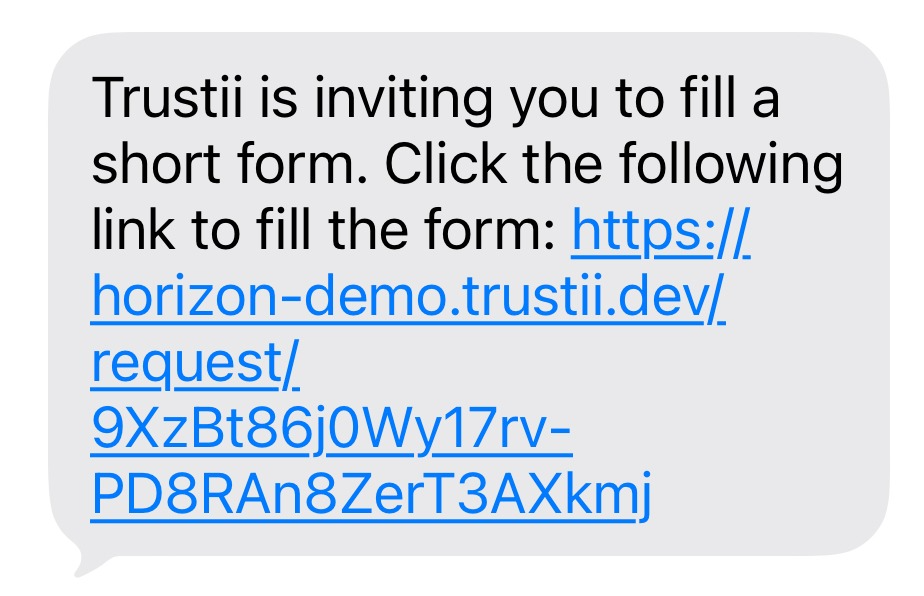
If your phone number has been provided, you'll also receive a text message from Trustii. This process can be completed on desktop or mobile.
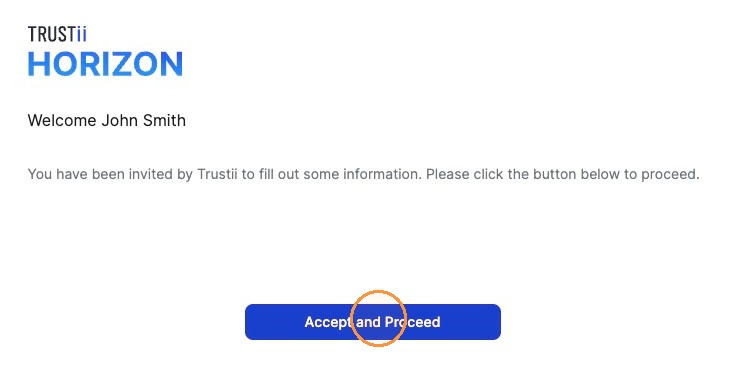
2. Click Accept and Proceed.
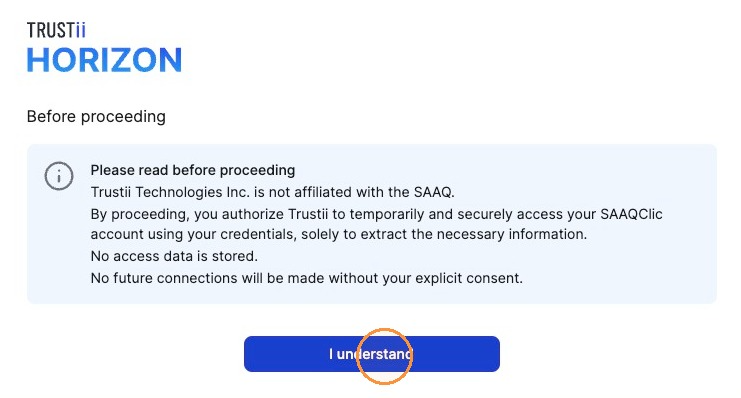
3. Read the message displayed, then click I understand.
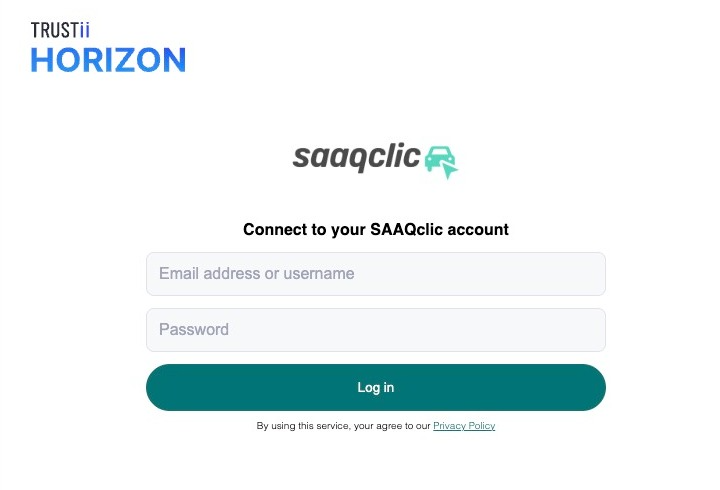
4. Enter your SAAQclic credentials and click Log in.
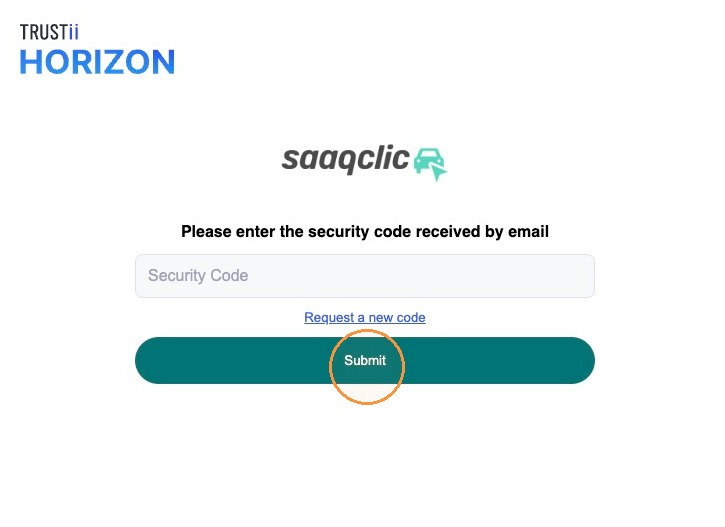
5. Complete the multi-factor authentication by entering the code sent to your email. Click Submit.
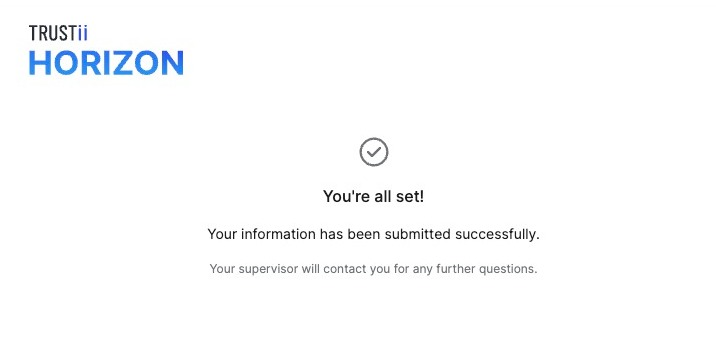
Once the request is submitted, a confirmation message will appear.
Note: This process must be repeated each time a driving record verification is required through SAAQclic.
Was this article helpful?
That’s Great!
Thank you for your feedback
Sorry! We couldn't be helpful
Thank you for your feedback
Feedback sent
We appreciate your effort and will try to fix the article