This article explains how to complete a driver’s abstract verification in Horizon using your SAAQclic account.
This process applies only to workforce members in Quebec whose employer requests their driving record through SAAQclic.
You complete the request in Horizon, but you’ll need to sign in with your Government Authentication Service (GAS) credentials to authorize it. You do not need a Horizon account. Trustii cannot access or retrieve your login credentials.
TABLE OF CONTENTS
- Before you start
- Open the request
- Sign in with your SAAQclic account
- Frequently Asked Questions (FAQs)
Before you start
To avoid delays, make sure you have everything you need before you click the link in your email. See What do I need before I start? in the FAQ below.
Open the request
When your employer requests your driving record, you’ll receive an email from Trustii Horizon (noreply@trustii.co) with a secure link to the request.
1. Open the email and click Fill the form.

Note: If your employer has your phone number on file, you’ll also receive a text message from Trustii with the same link. You can complete the request on a mobile device or a computer.
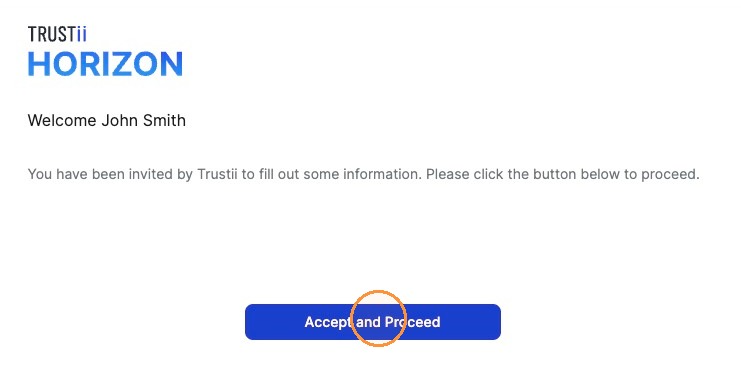
2. Click Accept and Proceed.
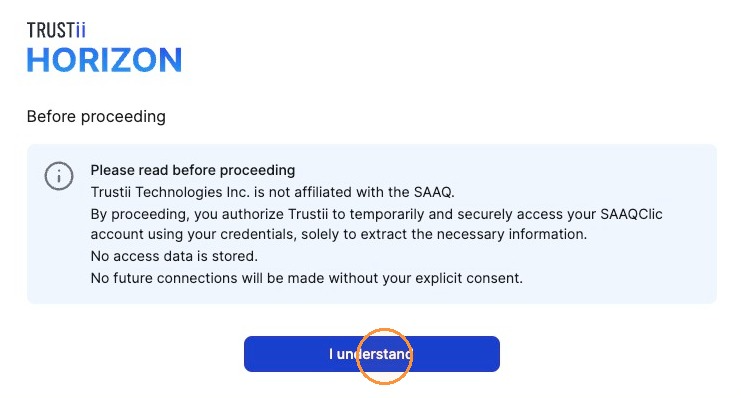
3. Read the message on the screen, then click I understand.
Sign in with your SAAQclic account
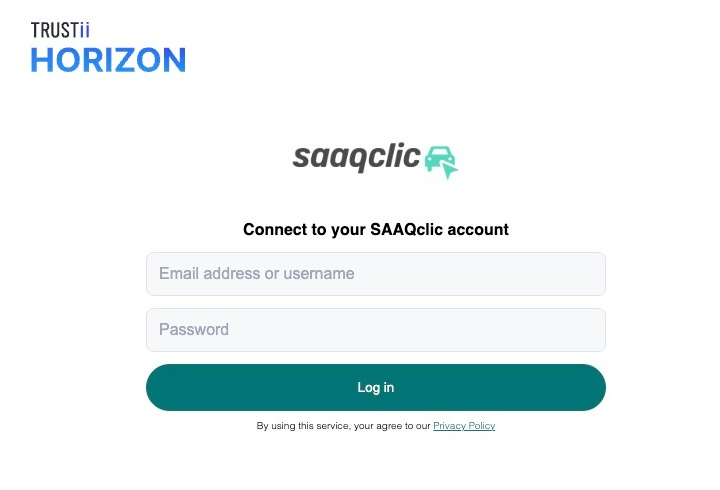
4. Enter your GAS username and password, then click Log in.
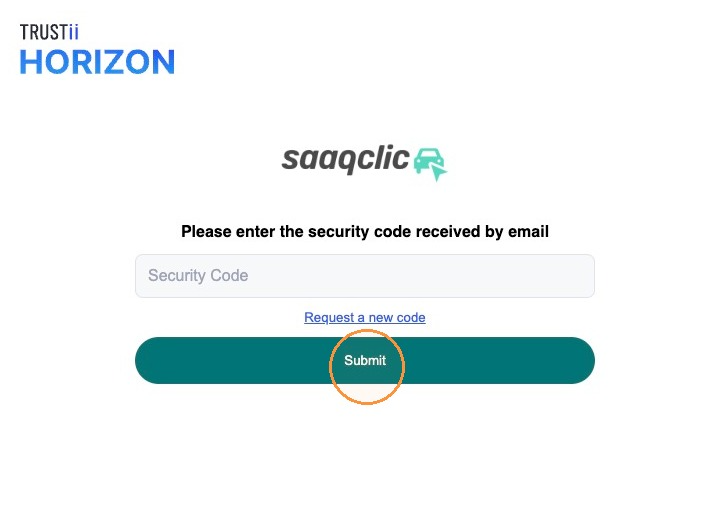
5. Enter the verification code sent to your email or phone, then click Submit.
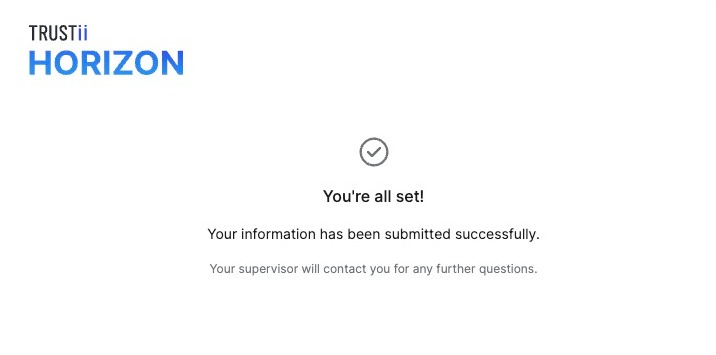
Once your request is submitted, a confirmation message appears. No further action is required.
Note: You’ll receive a new request by email each time your employer needs to verify your driving record.
Frequently Asked Questions (FAQs)
What do I need before I start?
Before you click the link in your email, make sure that:
- You have a Government Authentication Service (GAS) account, which you need to access SAAQclic.
- Your contact information in SAAQclic is up to date, so you can receive your verification code. You can’t update it once the request has started.
- You’ve accepted the latest SAAQclic Terms of Use. Sign in to SAAQclic beforehand to check whether you’re prompted to accept new terms.
- You know your GAS username and password.
What if I don’t have a GAS account?
Create a GAS account before you start the request. If you need help, contact your supervisor or visit an SAAQ service centre that offers account setup assistance.
What if I forgot my password?
Reset it before you click the link in your email. Go to the Government Authentication Service website, select Forgot your password?, and follow the instructions. Too many incorrect sign-in attempts may prevent you from completing the request.
Can Trustii retrieve my username or password?
No. Trustii cannot access or retrieve your login credentials. If you can’t sign in, reset your password through the Government Authentication Service.
Who should I contact if I have a problem completing the request?
For technical issues, email support@trustii.co. For questions about the request itself, contact your supervisor.
Can I complete the request on a computer or a mobile device?
Yes. You can complete the request on a computer, phone, or tablet. If you received a text message from Trustii, you can open the link directly on your phone.
Was this article helpful?
That’s Great!
Thank you for your feedback
Sorry! We couldn't be helpful
Thank you for your feedback
Feedback sent
We appreciate your effort and will try to fix the article